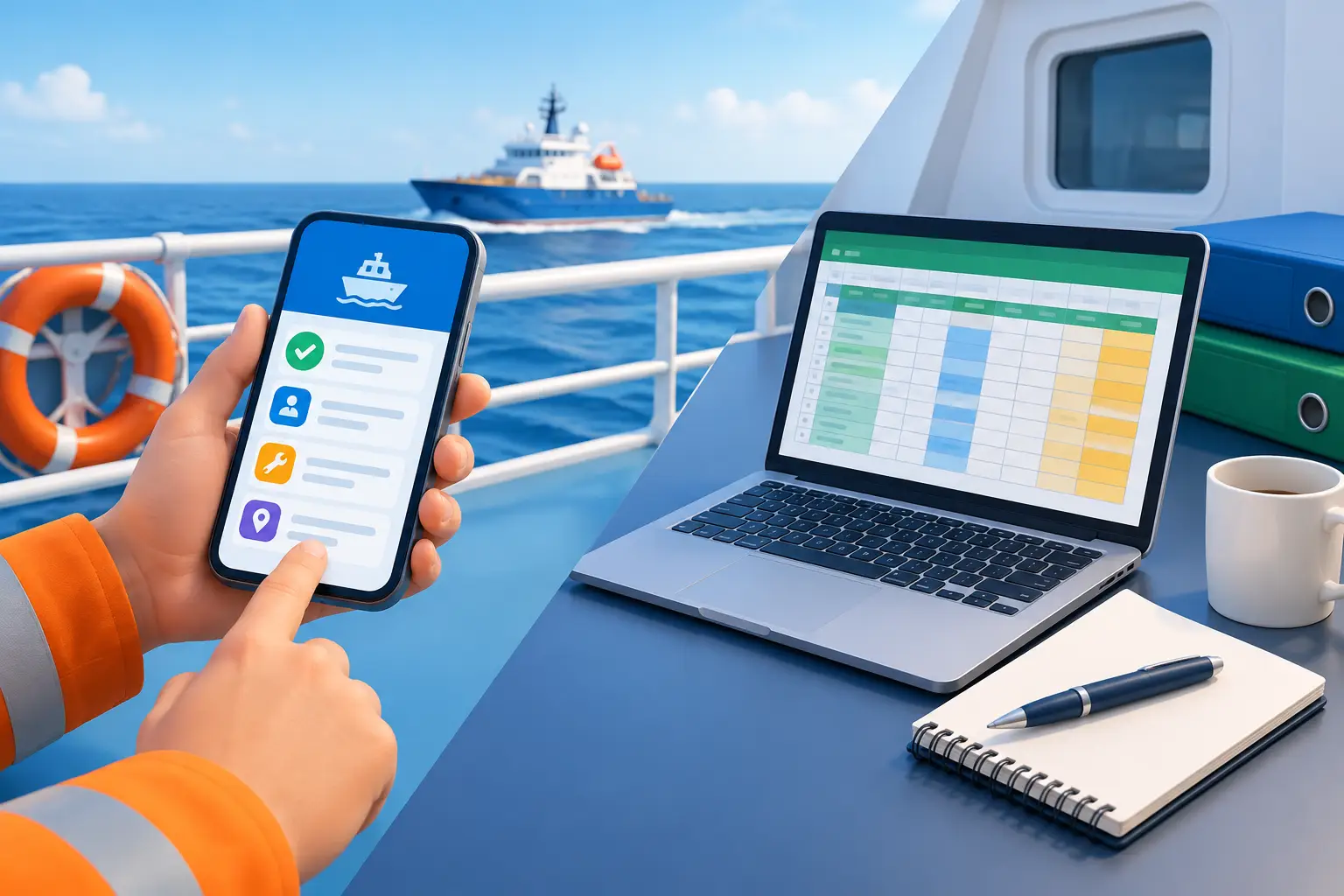
Crewing asks for your current medical certificate. Your spreadsheet shows the expiry date—but where is the readable copy? Is it in an email, a cloud folder, or your phone’s photo library? And will you be able to find it with no Wi-Fi?
That is the real test behind mobile records versus spreadsheets at sea. A list can tell you what you entered. A useful career record should also help you find the document, check the current version, review the date, and prepare what someone has requested.
Try this now: Without opening your email, find your current medical, check its expiry date, and open every page of the saved document. Then find your last vessel’s rank and sign-off date. How many places did you have to search?
Spreadsheets Are Useful—Until the Record Spreads Out
A spreadsheet is flexible. You can list certificates, sort dates, calculate totals, and build a table for a particular application. If you manage a small number of documents and regularly update the workbook, it may serve you well.
It is also useful for temporary tasks: comparing course dates, estimating a promotion timeline, or checking figures before submitting an application.
The difficulty begins when the spreadsheet is only one part of the record. A Certificate of Competency appears in one row. Its scan is in cloud storage. The renewed endorsement came by email. Your latest sea-service letter is on another device.
Everything exists, but a request for one complete, current record still sends you searching through several places. Over years of contracts and renewals, keeping those copies and dates aligned becomes work of its own.
Keep the Document With the Details You Need
For a seafarer, a certificate record is more useful when its title, issuing authority, number, applicable dates, and readable copy are organized together. When a new version is issued, you can check the details against the original and make the current copy easy to identify.
Wave – The Seafarers’ Digital Wallet is built around those professional records. Smart Scan can help capture information from a document, and Global Search helps you find a record without remembering its filename or folder. Always check scanned details against the original before relying on them.
Older copies can remain part of your history, but the document you would send today should be clear. For practical scanning and version-control tips, read our guide to archiving training certificates securely.
See an Expiry Before It Disrupts Your Rotation
A date in a spreadsheet helps only when you review it early enough to act. You can create color-coded cells and calendar reminders, but you must maintain that process whenever a certificate is renewed or replaced.
Wave helps you monitor the expiry dates recorded in your documents. You can review approaching dates against your next joining and expected sign-off, then plan a medical appointment, course, or renewal during a workable period ashore.
Check the requirement, not just the date: A reminder prompts you to act. The employer, flag administration, or relevant authority determines whether a document is accepted for a particular assignment. Do not invent an expiry date for a certificate that does not state one.
Sea Service Is More Than a Formula
A spreadsheet can calculate time from the dates you enter. But your experience consists of individual assignments: vessels, ranks, duties, and service periods. Those entries—and the evidence supporting them—matter when you prepare for an upgrade, endorsement, or new role.
Record each vessel while its details are fresh. Check sign-on and sign-off dates against your discharge book, company testimonial, or other official evidence. Include particulars relevant to the qualification you may pursue.
Wave organizes sea service at vessel level and helps you review your recorded career progress. Its Career Dashboard can show the history you have entered; an authority still decides which service qualifies for an official application. Our Sea Service Tracker guide explains why the evidence behind each period matters.
Test the Whole Request Offline
A spreadsheet saved locally can open without internet. But opening the workbook is only part of the test. Can you also find the current certificate copy, read every page, and check the vessel entry connected to a sea-service request?
Wave is built for offline-first access to saved records. Before joining, put your phone in airplane mode and open the certificates and vessel entries you expect to need. Repeat the test after adding an important document. Changes can synchronize when you reconnect.
Offline access lets you review and prepare information. Sending a file ashore still requires a connection or another method accepted by the recipient.
Which System Should You Use?
Keep a spreadsheet for flexible calculations, short-term planning, or a table prepared for a specific purpose. For records you need throughout your career, ask a more practical question: can I find the current document, check its details, and review the service behind my experience when I need to?
Wave brings certificate copies, recorded expiry reminders, Global Search, vessel-level sea-service history, exports, and offline-first access into one personal app. Start with your current certificates and most recent vessel. You can add older verified records over time.
Whichever tools you use, keep the information accurate. Review renewed versions, protect your device, and check an export before sharing it. Digital copies and personal calculations do not replace originals or official verification where those are required.
Your next document request should take a search, not a reconstruction.
Keep the record, its dates, and your vessel history ready in one place.