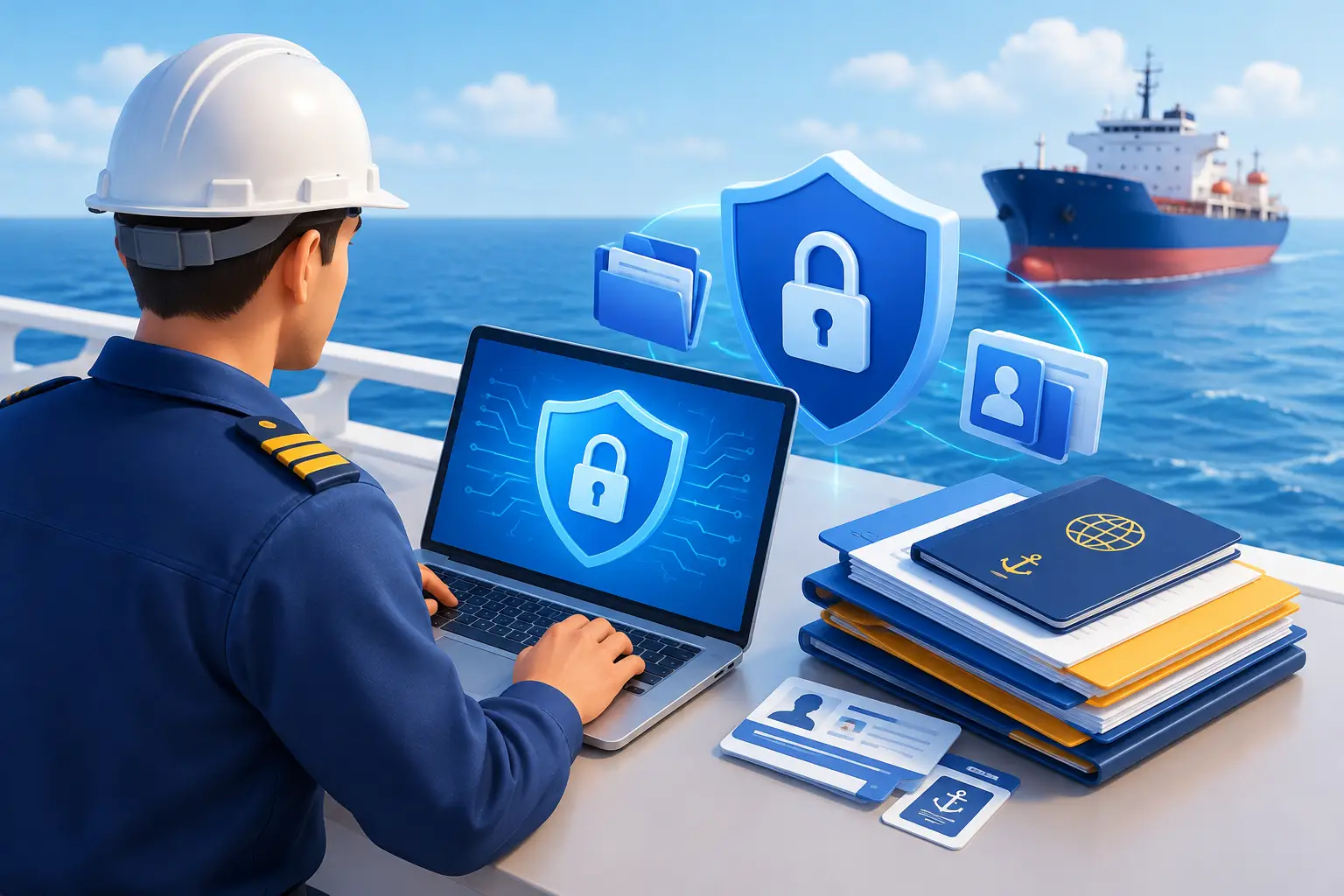
Your passport scan, medical certificate, discharge book, and sea-service history tell much of the story of who you are and where you have worked. They may be needed by different employers across your career, but that does not mean every recipient should receive your entire file.
Seafarer data privacy and document protection begin with a practical question: can you find and share the right record while keeping control of everything else?
A reliable system should help you identify current documents, access them when connectivity is limited, and decide what to send for each request. It should also protect the information while it is stored and when it moves between your device and an online service.
Know What Is in Your Professional Record
A seafarer’s archive can contain more personal information than a folder of training certificates suggests. Passport and visa pages show identity and travel details. Medical certificates may contain sensitive information. Discharge records and sea-service histories reveal employers, vessels, ranks, and dates of service.
Give each type of record the attention it needs:
- Identity and travel documents: Share only the pages requested and check the recipient carefully.
- Medical records: Keep the certificate easy to find without routinely sending unrelated clinical information.
- Professional certificates: Identify the current version and protect certificate numbers, signatures, and other personal details.
- Employment and sea-service records: Provide the history relevant to the application instead of your complete archive.
A certificate may be requested often, but that does not make it a public document. Avoid posting unredacted copies where anyone can download them.
Make the Current Document Easy to Find
Privacy and organization work together. If your renewed medical is in an email thread while an expired copy remains in your camera roll, it becomes easier to send the wrong file or forward more information than needed.
Give each document a clear name and record its issuing authority, issue date, and expiry date where applicable. Save complete, readable images or PDFs. Include the reverse side when it contains an endorsement, limitation, or verification detail.
When a replacement arrives, identify it as the current version. Retain an older certificate if it supports your professional history, but mark it as superseded. Review an export or attachment before sending it; a label such as “current” is no substitute for checking the document itself.
For a closer look at keeping versions and dates organized, read our Certificate Vault App for Seafarers guide.
Understand How Wave Protects Your Information
A digital wallet should explain its security in terms you can check. According to the Wave Privacy Policy, information is stored locally on your device and may synchronize with cloud infrastructure for backup and access across devices.
Wave uses encryption in transit through TLS when data moves between the app and its services. It also uses access controls, with access to production systems restricted and monitored. The policy states that Wave does not access or review your documents unless necessary for technical support, maintaining the service, or meeting legal obligations.
Your records are not automatically sent to a crewing office when you add them to your wallet. You choose which documents to export or share for a particular request. The policy also explains the circumstances in which information may be processed by service providers or disclosed under a valid legal requirement.
Security is a continuing practice rather than an absolute promise. Protect your account credentials and your phone as carefully as the documents inside it.
Protect the Device You Carry
Offline access is valuable at sea, but it means essential records may be available on the device in your pocket. Secure that device with a strong passcode, automatic screen lock, and biometric access if you use it. Keep its operating system updated and do not share your unlock code or account credentials.
Before joining, test the specific documents you expect to need without a connection. Open them and check that every page is readable. Also understand how your records synchronize and what will be available if your phone is lost, replaced, or damaged.
Avoid leaving document copies on a shared shipboard computer. If you must use one, follow company procedures and remove temporary downloads when you are finished. A personal digital wallet helps you keep a working record with you, while physical originals should remain secure and available when required.
Share a Document, Not Your Whole Archive
When a crewing coordinator asks for a medical and a passport page, send those items through the requested channel. A complete certificate bundle may disclose years of additional identity, employment, and medical information without helping the recipient answer the question.
Before sending, take a moment to check:
- Is the request from the expected person or organization?
- Am I sending the current, complete version?
- Does the recipient need every page I have selected?
- Is the address or upload destination correct?
- Does the submission method match the employer’s instructions?
If a request is unexpected, verify it using contact details you already trust. Be especially careful with forwarded email threads, unfamiliar upload links, and group chats where attachments can be saved or passed on by others.
Offline access lets you inspect and prepare a file without a signal. Sending it still requires a connection or another method accepted by the recipient.
Keep Your Record Accurate and Under Your Control
Review your documents when you receive a new certificate, renew a medical, sign off a vessel, or prepare for another contract. Update dates, add supporting sea-service evidence, and remove unnecessary temporary copies from your devices.
Digital records help with organization and sharing when copies are accepted. They do not replace original documents, officially issued electronic certificates, or the verification required by an employer or maritime authority.
Wave – The Seafarers’ Digital Wallet helps seafarers organize certificate copies, monitor recorded expiry dates, maintain vessel-level sea-service history, and find records in an offline-first app. Its approach to data protection is described in its Privacy Policy. Download Wave on iOS or Android.
Your professional record should be ready when someone asks for it. Keep the current version close, protect the device and account that hold it, and share only what the request actually requires.
Leave a Reply