Cloud Storage Versus Offline Access at Sea: What Still Works Without Wi-Fi?
Turn off Wi-Fi and mobile data. Now open your professional records.
Can you read the certificate itself, or only see its filename? Can you check its recorded expiry date? Can you find a previous vessel and review your service dates?
That short test reveals more than a folder labelled “Documents.”
For seafarers, cloud storage versus offline access at sea comes down to what remains usable when connectivity disappears. Your records should still help you check information, review your history, and prepare your next step.
Cloud Storage and Offline Access Do Different Jobs
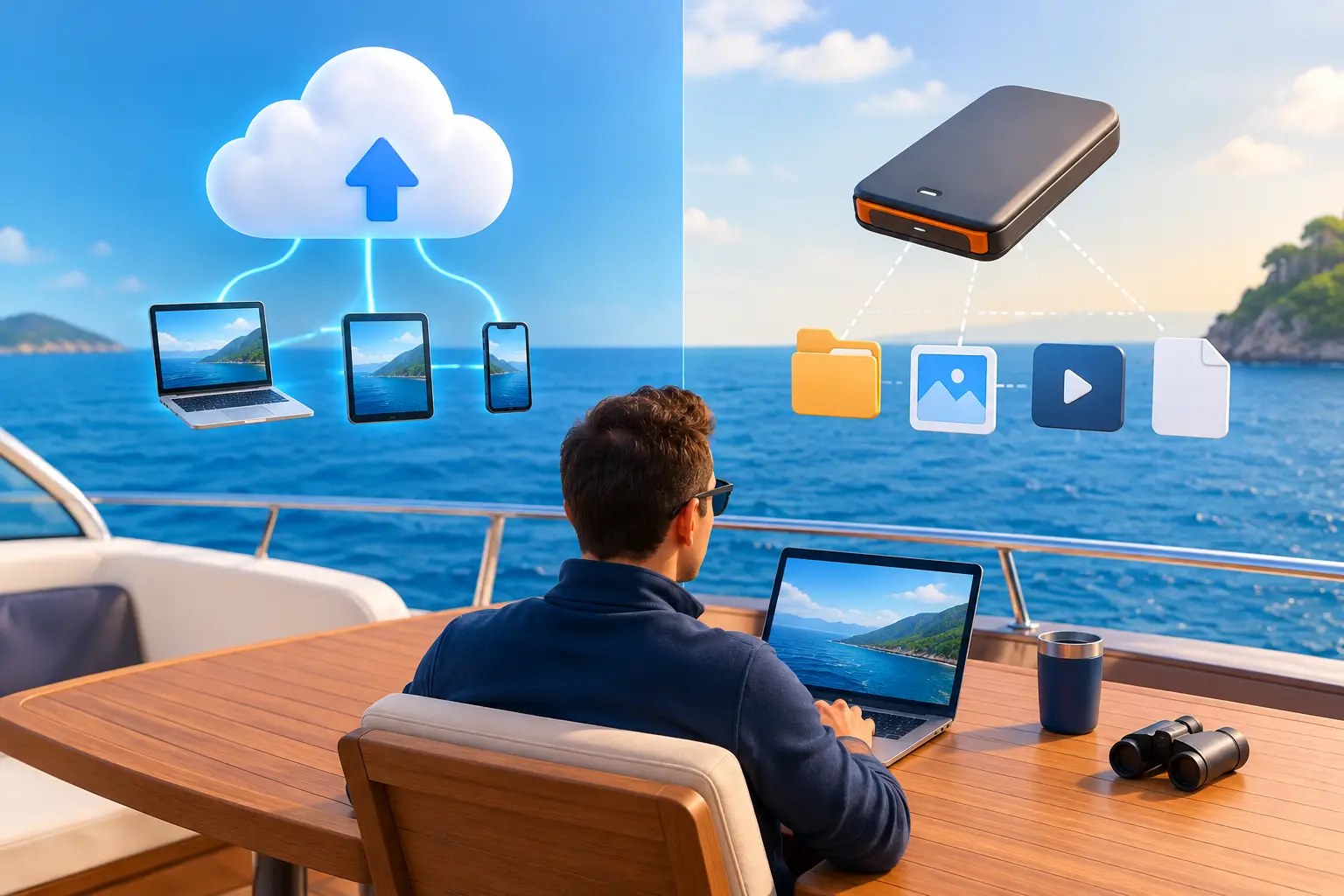
Cloud storage keeps information on remote systems. Offline access makes information available locally on your device.
They can work together. Some cloud services let you download selected files for offline use. Google Drive, for example, provides a “Make available offline” option, as explained in its offline access guidance.
The question is whether the particular records you need have been saved and remain accessible on the device you carry.
A file visible in a list may still require a download. An email attachment may need a connection before it opens. A link to a company portal may require you to sign in again.
Check the actual document, including every relevant page, before relying on it offshore.
A Downloaded PDF Solves Only Part of the Problem
Saving a certificate locally is useful. But a career record contains more than document images.
You may want to compare upcoming expiry dates without opening every certificate. You may need the exact period you served on a particular vessel. You may want to review your recorded progress toward a career goal.
If the dates are in a spreadsheet, the scans are in a folder, and the vessel history is in old contracts, the information remains fragmented—even when every file is downloaded.
A practical maritime record connects the document with the details that make it useful. You can identify it, inspect it, and understand where it fits in your professional history.
What Offline-First Means in Wave
Wave – The Seafarers’ Digital Wallet is built around locally available professional records, with synchronization when connectivity returns.
Its certificate organization, recorded expiry tracking, and sea-service history give your documents context. Instead of maintaining a separate collection of scans and dates, you build a personal record you can consult at sea.
That matters during ordinary moments as much as urgent ones: reviewing a certificate during leave, checking an old assignment, or preparing information while travelling.
Start by adding readable copies and checking the recorded details. Then test the specific records you expect to use without a connection.
Keep Your Own Record Alongside the Company’s
Your company may already hold your certificates, arrange renewals, and maintain a complete crew file. Your personal digital wallet serves your day-to-day access to that information.
You can inspect a document while the office is closed, revisit a previous assignment, or identify a question to raise before your next rotation.
Updating your personal record does not automatically update the company’s system. When a renewed document is required by crewing, provide it through the specified channel.
For more on that distinction, read why seafarers should keep their own certificate records.
Know What Still Needs a Connection
Offline access lets you work with information already available on your device. It cannot retrieve a revised joining letter that has not arrived or send an attachment to someone ashore without connectivity.
Plan connected tasks while you have reliable access. Download new documents, review updates, and allow synchronization to complete before departure.
Keep these activities distinct:
- Reviewing: opening and checking locally available records.
- Updating: entering or correcting information in your personal record.
- Synchronizing: exchanging changes with the service when connected.
- Sending: transmitting documents to a recipient through an available connection or another accepted method.
Understanding those differences makes offline access more useful because you know what you can finish now and what must wait.
Synchronization Is Not the Same as an Independent Backup
Synchronization helps keep information aligned between a device and a service. A separate backup preserves a recoverable copy according to its own retention and recovery arrangements.
Do not assume that the word “sync” means every deleted file can be restored or every unsent change is protected.
For Wave, information entered offline is stored locally and synchronized when a connection becomes available. If a device is lost before synchronization completes, recent local changes may be at risk.
Understand your chosen system’s recovery arrangements. Retain important official evidence and appropriate separate copies, and check that synchronization has completed after significant updates.
Run a Practical Offline Check
Before your next voyage or journey, choose a few records you actually expect to need.
- Open a current certificate and inspect every saved page.
- Check its recorded number and dates against the document.
- Find a previous vessel and review the service period.
- Open an important saved travel or employment document.
- Repeat those checks with Wi-Fi and mobile data switched off.
If something does not open, resolve it while you are connected. Repeat the check after adding an important replacement document.
This test is more useful than assuming that everything visible in an app is fully downloaded.
For help with the underlying files, see our guide to archiving training certificates securely.
Protect the Device That Carries Your Records
Offline availability puts useful information in your hands. It also makes device protection important.
Use a strong passcode, automatic screen lock, and current operating-system updates. Avoid leaving sensitive exports on shared computers. Review recipients before sending identity documents, medical certificates, or employment records.
Keep current versions clearly identified. When sharing, select the information required for the request rather than forwarding your entire archive.
Personal digital copies support access and preparation. Carry originals or officially issued electronic credentials as required and follow the receiving organization’s verification instructions.
Make Your Next Quiet Hour at Sea Useful
A period without internet can still be a useful time to review your professional history.
Check an assignment while you remember its details. Identify a certificate that needs attention. Note a missing testimonial to request when connected. Prepare the information for your next application without starting another search through years of email.
Wave brings certificate records, sea-service history, and offline-first access into a tool built for that routine.
Begin with your current documents and most recent vessel. Check the details, test access, and build the rest gradually.
Download Wave – The Seafarers’ Digital Wallet on iOS or Android.
The next time the connection disappears, your professional record should remain useful.