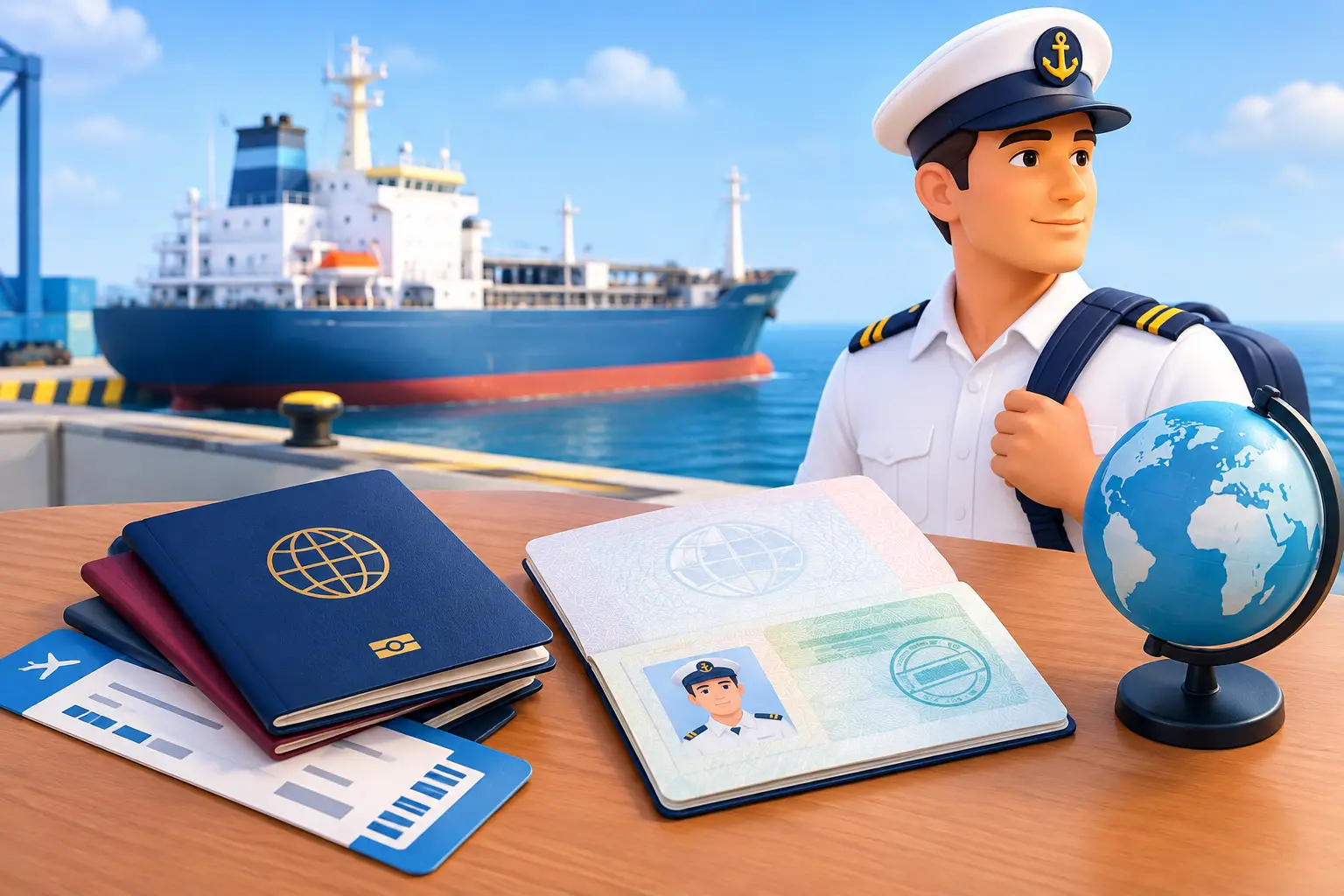
Your visa confirmation is a PDF. Your joining letter is an attachment. Your booking reference is somewhere in your messages.
Before travelling, everything looks easy to find. Then you change networks, lose reception, or discover that the attachment you need has never actually downloaded to your phone.
Understanding crew visa requirements is one part of preparing for a joining. Keeping the documents behind that journey accessible is another. Your crewing department and travel agent may have arranged the paperwork correctly, but you are the person carrying it through the airport and onward to the vessel.
Having a document in your inbox is useful. Having it organized and available offline puts it within reach when you are travelling.
Crew Visa Requirements Start With Your Actual Journey
There is no single visa checklist that applies to every working seafarer. The permission you need depends on your passport nationality, destination, transit route, purpose of travel, and the rules applicable to that journey.
Joining a vessel, leaving one, transferring between airports, or travelling privately after sign-off may involve different conditions. An authorization used for a previous contract should not be assumed suitable for the next itinerary.
Work from the latest joining instructions. Confirm the joining country and port, all flight connections, vessel details, and relevant agent contacts. If the itinerary changes, ask whether the revised route affects the permissions or supporting documents required.
Your employer and agent coordinate the journey. The relevant immigration authorities determine entry and transit requirements.
Your Company Arranges the Travel. You Carry the Documents.
For an experienced seafarer, travel preparation rarely starts with building an entirely new file. Your company may already hold your passport details, certificates, and previous visa information. Its travel team may arrange flights and send the joining documentation directly.
Keeping a personal digital record adds convenience to that support. You can check a reference number, open a joining letter, or retrieve a saved visa confirmation without asking the office to send everything again.
This is especially useful across time zones. The office may be closed while you are changing flights or heading to the port. Having your own current copies gives you immediate access to information already issued for your journey.
Wave – The Seafarers’ Digital Wallet helps you keep those copies alongside your certificates and professional records.
Save the Electronic Documents You Receive
Travel paperwork does not always arrive as a physical document. A visa grant notice, travel authorization, company letter, or itinerary may be supplied electronically.
Where an authority issues electronic permission, preserve the complete notice and follow its instructions for checking status and presenting evidence. A saved PDF is useful for reference, but its presence on your phone does not establish that the permission remains valid.
Depending on the assignment, your personal travel record may include:
- Visa or travel-authorization notices, including reference numbers and conditions.
- A joining letter or company letter addressed “To Whom It May Concern.”
- Your electronic ticket and booking reference.
- Joining instructions, vessel details, and port-agent contacts.
- Your employment agreement and other assignment documents requested for travel.
- Readable identity-document copies for reference and sharing through the required process.
Save complete files rather than relying only on screenshots of the first page. Conditions, contact information, or additional instructions may appear elsewhere in the document.
Put Travel Documents Somewhere You Will Find Them
A collection of files named “download” or “scan” quickly becomes difficult to use. Give each record a recognizable title, such as the document type, issuing country or organization, and a relevant date.
Wave’s Travel Documents category gives your travel records a clear place within your personal wallet. The app also includes Licensing Certification, Regulatory Statutory Documents, Industry Required, and Other, helping you organize different parts of your professional record.
Choose the most suitable category and make the title useful. When you receive a revised itinerary or letter, clearly identify the current version.
Organization pays off during travel: A clearly named joining letter is easier to recognize than an attachment buried among several versions of the same email.
Use Global Search Instead of Reopening Old Messages
Over time, travel records accumulate alongside certificates, supporting letters, and vessel assignments. Wave’s Global Search helps you locate information across the records you maintain in the app.
Clear titles and accurate details make that record easier to use. Find the relevant item, open it, and check that it is the current document before showing or sharing it.
Instead of searching through several conversations to remember who sent an attachment, you have a personal working archive that remains useful beyond one itinerary.
Test Offline Access Before You Leave
Airport Wi-Fi, roaming, and vessel connectivity are useful when available. Your ability to inspect a saved document should not depend on finding a working network.
Wave’s offline-first access lets you consult locally available records without a live connection. Before departure, check the specific files you expect to use:
- Save the current documents and open them while connected.
- Switch your phone to airplane mode.
- Locate and reopen the essential records.
- Confirm that every required page and reference number remains readable.
Repeat the check after an important update. Offline access helps you retrieve and review saved information; checking a live immigration system or sending a document still requires connectivity.
For a broader travel routine, read our guide to essential paperwork for crew travel.
Track Dates Alongside the Conditions
A visa’s expiry date is only part of its record. Entry limits, permitted stay, travel purpose, and links to a particular passport can also matter.
Record the dates and details accurately, and check the applicable conditions before travel. If your passport is renewed or expires, confirm what happens to any existing visa or electronic authorization. Do not assume either automatic cancellation or continued usability.
Wave helps you keep recorded document dates visible through its organization and expiry reminders. Use those prompts to start the necessary check or renewal conversation; they do not determine immigration eligibility.
Our guide to tracking passport and visa expiry at sea explains how to maintain that personal record.
Keep Originals Protected and Copies Under Your Control
Carry your original passport and any other required originals or printed documents according to the joining instructions and applicable authority requirements. Keep essential travel documents accessible in your hand luggage.
If a paper folder is misplaced, digital copies can help you retrieve details, identify what is missing, and communicate with the company or relevant authority. They do not replace the lost originals or guarantee that travel can continue.
Protect your device with a strong passcode and automatic screen lock. Share only the records requested, check the recipient, and use the approved channel.
Make Your Next Journey Easier to Manage
Your crewing department may already have a complete file. Your travel agent may have every detail needed to arrange the journey. Having your own organized copies gives you the same practical convenience while you are travelling.
Start with the current joining letter, itinerary, and visa or authorization documents. Add readable copies, check their details, and confirm offline access before leaving.
Wave brings your travel documents, certificates, recorded expiry dates, sea-service history, Global Search, and Career Dashboard into one personal app. The value is simple: less searching through messages and more of your professional information within reach.
Your journey is arranged.
Keep your documents within reach.
Organize your travel records in Wave and check your saved copies before you leave.
Know a friend who still searches through old emails for every joining letter or travel attachment? Share this guide and help them get their own records organized.
Tell your friends about Wave.
Leave a Reply